Create more.
Sort files never.
Half of "content creation" is dragging files into folders. Stonic AI takes that half — organizing footage, prepping projects, managing exports by voice — and doubles as the most cinematic thing in your B-roll.
For content creators, Stonic AI automates the production grind on Windows: bulk-organizing footage and assets, renaming files by pattern, opening the full editing stack by voice, and keeping projects tidy — while its sci-fi interface doubles as a visual asset on camera.
The problem.
Footage from three devices dumped into one Downloads folder of doom.
The editing stack — Premiere, assets folder, reference tabs — takes ten minutes to set up.
Your videos about tech... filmed over a desktop that looks like everyone else's.
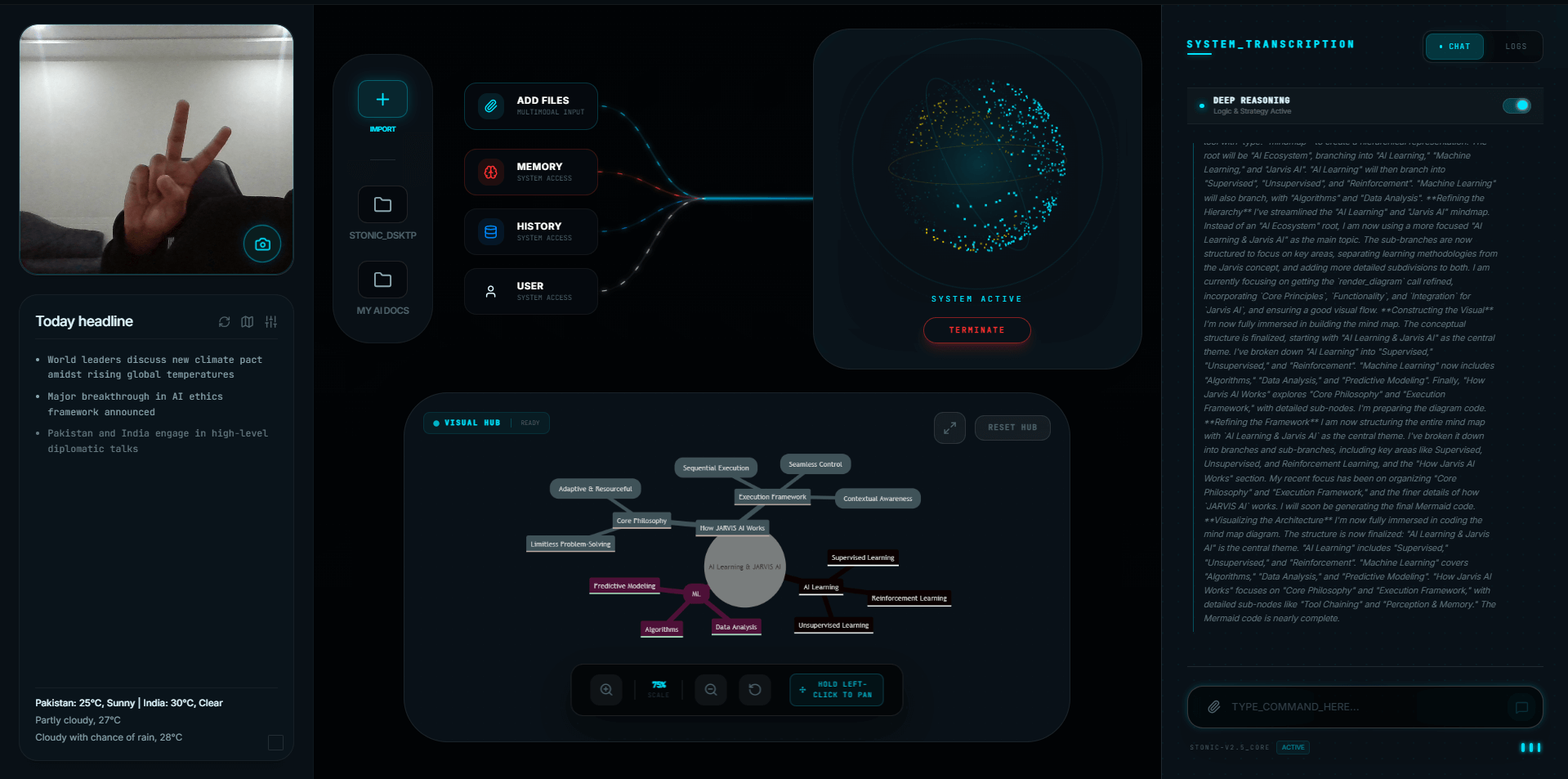
Real commands, real creators workflows.
"Move today's video files to the Editing folder and rename them by date"
Ingest done. Coffee still hot.
"Open Premiere Pro, my assets folder, and YouTube Studio"
The full workstation assembles itself.
"Find every PNG larger than 5MB in my Projects folder"
Heavy assets found before the export complains.
"Create a folder structure for a new video called Desk Tour 2026"
Footage / Audio / Thumbnails / Exports — standing by.
Built for how creators actually work.
Footage triage on autopilot
Bulk move, rename, and structure files with one sentence instead of one hour.
One-line workstation
Your entire editing environment opens from a single voice command.
B-roll that flexes
A cinematic AI interface in frame instantly raises production value. Viewers will ask what it is.
Unreleased work stays home
Local-first processing means your unpublished projects never touch a third-party server.
Frequently asked questions
Yes — tell it the outcome ("move today's MP4s to Editing, rename by date") and it executes the steps: scanning, classifying, creating folders, moving, and reporting back.
Stonic AI launches and manages any installed app (Premiere, DaVinci, Photoshop, OBS) and automates the file work around them — your tools stay, the grunt work goes.
File operations run locally on your PC. Nothing is uploaded, so unreleased videos, scripts, and client work stay on your machine.
The creators upgrade your setup is missing.
One-time payment. Five-minute setup. A desktop that works for you.