Your voice is now
an input device.
Stop clicking through menus. Say what you want — "open my project folder and launch VS Code" — and watch your Windows PC do it. Naturally spoken, instantly executed.
Stonic AI voice control lets you operate a Windows PC by speaking naturally: launching apps, managing files, controlling the browser, and running system commands. Speech is processed locally on your machine, and commands execute as real actions — not text replies.
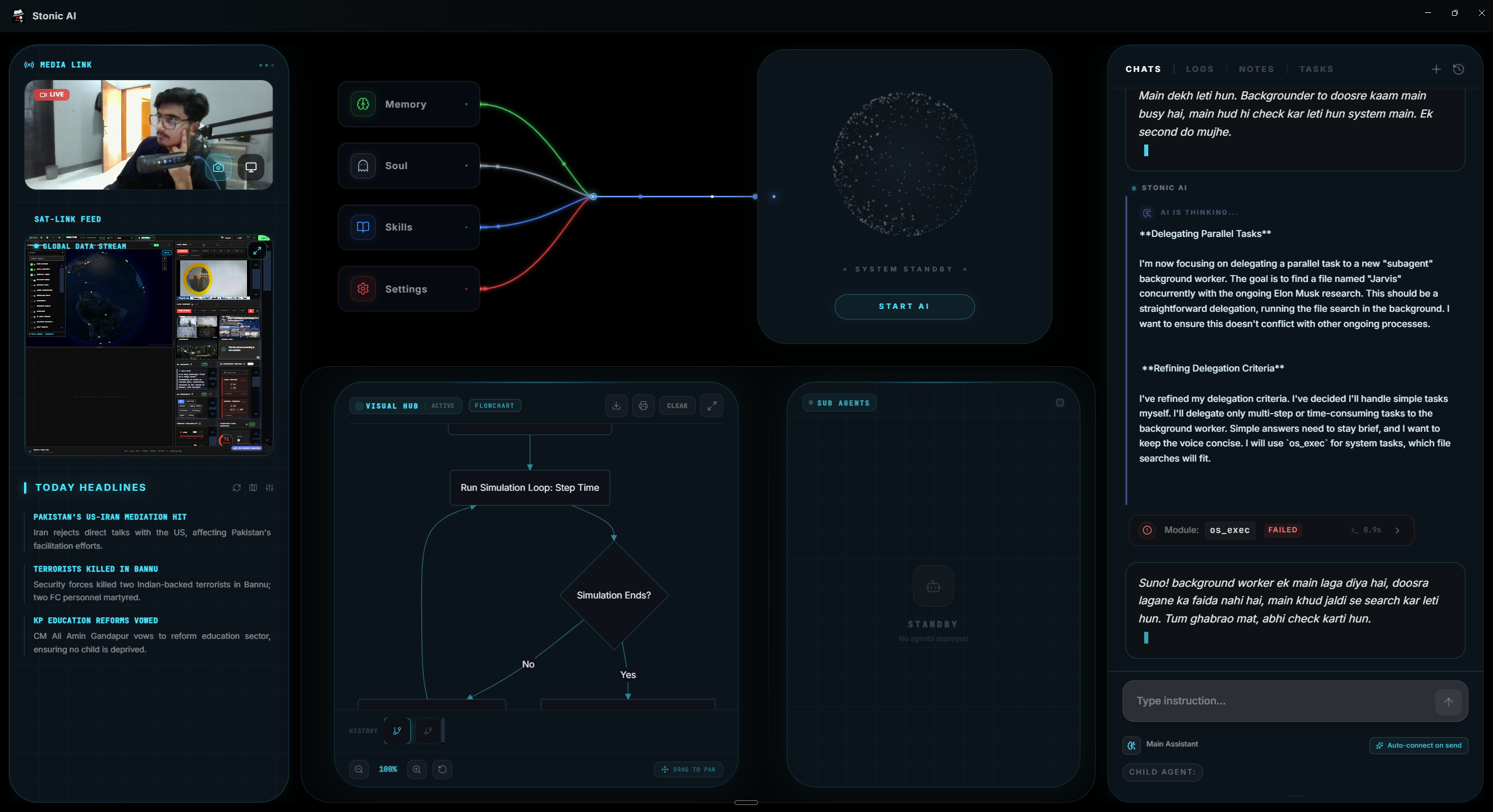
What it does.
Natural speech, not syntax
No memorized phrases. Say it like you'd say it to a person sitting at your PC — Stonic works out the steps.
App control
"Open Premiere", "close all Chrome windows", "switch to Spotify" — application control without touching the keyboard.
File operations by voice
Create, find, move, rename, and organize files and folders across your drives with a sentence.
Voice-driven browsing
Open sites, run searches, manage tabs. Your browser becomes hands-free.
System commands
Check battery, RAM, and storage; optimize performance; control volume and settings by asking.
Hands-free messaging
Dictate and send WhatsApp messages while you keep working — or gaming.
Up and running in minutes.
Install Stonic AI
Download for Windows 10/11 and run the installer — about two minutes, no technical setup.
Click the mic
Grant microphone access once. A built-in laptop mic works fine.
Say your first command
Try "create a folder called Projects on my desktop". That's the whole learning curve.
Frequently asked questions
Yes. With Stonic AI installed, you can speak naturally to open applications, manage files, control your browser, and run system tasks on Windows 10 or 11. Commands execute as real actions on your PC.
No. Windows Speech Recognition types what you dictate, and Cortana was retired. Stonic AI is an AI agent: it understands intent ("clean up my desktop") and performs the multi-step work itself, inside a cinematic interface.
Yes — voice processing and core automation are processed locally on your machine for maximum privacy, though an active network connection is required to run. Web tasks naturally use the internet when you ask for them.
Any microphone works — built-in laptop mics included. A headset improves accuracy in loud rooms but is not required.
English is fully supported today. Urdu and Hindi voice support are on the public roadmap.
Your desktop is waiting.
Join 500+ people living with a sci-fi desktop. One-time payment, no subscriptions.